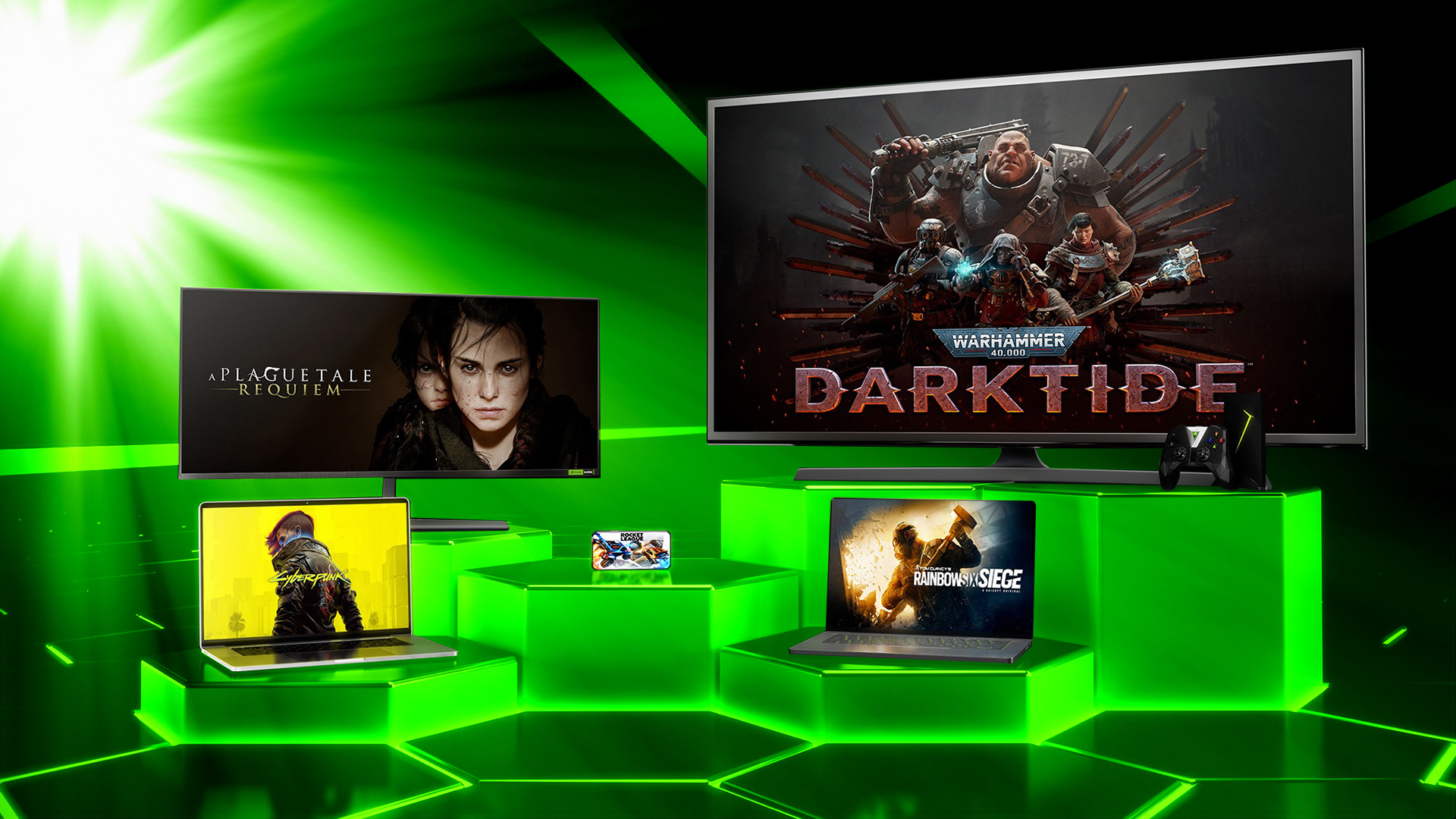
While many might consider Xbox the number one brand for cloud gaming, its service is but a mere baby in comparison to Nvidia GeForce Now. First launched in 2015 as a trial, it has changed a fair bit over the years and today offers high-end PC gaming across multiple platforms, including Mac, TV and mobile.
GeForce Now also operates a bit differently to rivals – while the likes of Xbox Cloud Gaming, Amazon Luna and, to a certain extent, PlayStation Plus Premium largely use subscription models, GeForce Now allows you to play games you’ve already purchased from online PC games stores. And there’s a free tier, too.
So here’s everything you need to know about Nvidia’s GeForce Now, where to sign up, and the devices you can use to play your games.
What is GeForce Now?
GeForce Now is a cloud gaming service from Nvidia that’s available across many countries, including the UK and US. It enables you to play games streamed over the internet rather than host them locally on a PC or games console yourself. That means the game is played on a remote server with the video of the gameplay sent to your device, be that a mobile phone, tablet, TV, gaming handheld or computer.
Your button presses on a controller, keyboard or mouse are sent in the opposite direction, so there is a slight amount of extra latency involved that might not be there when played locally. However, Nvidia has worked wonders in this area in the last few years, resulting in latency being almost imperceptible.
Unlike rivals, GeForce Now also gives you access to your own game libraries to play on additional devices. This means that supported games you buy on Steam, the Epic Games Store, Ubisoft Connect, the EA app for Windows (and EA Play), and GOG can also be played across GeForce Now. A deal with Microsoft means PC Game Pass and Xbox Game Pass Ultimate subscribers can also link their accounts and play some of their favourites from those services, too.
There is no library of additional titles to choose from, although a healthy collection of free-to-play games are available – such as Fortnite and Apex Legends.
Also unlike many of its rivals, GeForce Now offers a completely free tier so you can sign up and start playing games over the cloud today, at no cost at all.
GeForce Now price plans
There are three GeForce Now membership tiers available, with the first being completely free.
Free
Nvidia offers a free membership option that enables you to play your purchased or freemium games for an hour at a time in up to 1080p 60fps on a “basic rig”. You don’t have “priority access” to servers, which means you might have around two minutes to gain access. And this plan is ad-supported, so you’ll be served adverts while you wait.
You are also limited to compatibility for around 2,000 games.
Performance
Priced at £9.99 / $9.99 / €10.99 per month, the Performance plan gives you access to GeForce RTX-enabled servers so you can play games in up to 1440p and 60fps. There’s ray-tracing support with this option too.
Your gameplay time is extended to six-hours and you have priority access to servers (around a minute’s waiting time before your game starts). There are no adverts on this plan.
There are more than 4,500 compatible games on offer.
Ultimate
The Ultimate tier is the crème de la crème of GeForce Now plans. It now runs on up to RTX 5080 systems with full ray-tracing support, DLSS technology and up to 5K or 360fps depending on your device.
Ultimate members also get the fastest turnaround with almost no waiting time, plus up to eight-hours of gaming in a single session. It costs £19.99 / $19.99 / €21.99 per month.
GeForce Now devices and platforms
GeForce Now will run on numerous platforms, including PC, Mac and Chromebook – either through a dedicated desktop app or via a browser.
Android phones and tablets are supported too, as long as they run at least Android 7.0. Android phones with 120Hz displays can even play games in up to 120fps.
Apple devices, such as iPhone and iPad, can run GeForce Now through the Safari browser – just head to play.geforcenow.com.
Android TV and Google TV devices, especially Nvidia’s own Shield TV and Shield TV Pro, are capable of streaming GeForce Now games too. Shield boxes have the system baked into their user interface, so makes it very easy to operate. Amazon’s Fire TV Sticks also have a dedicated app.
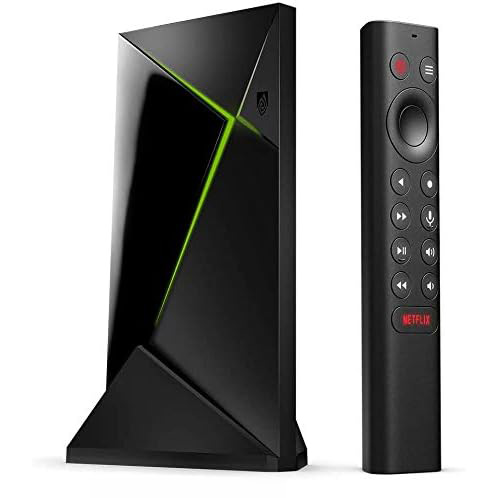
Nvidia Shield TV Pro
The Nvidia Shield TV Pro is capable of 4K streaming and Dolby Atmos sound. It also upscales standard video to better suit a 4K HDR TV, and continues to be one of the best streaming devices on the market.
 £239.99
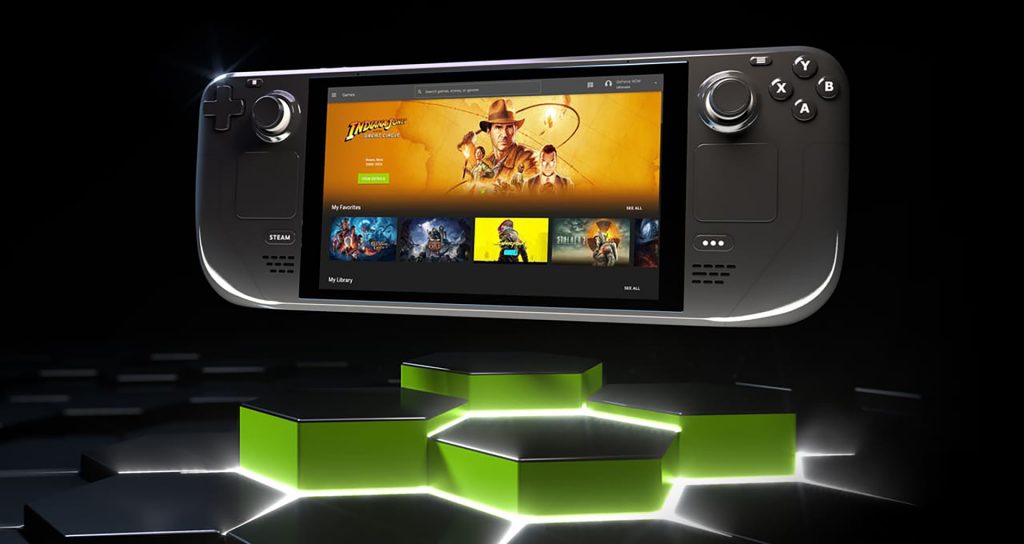
PC and cloud gaming handhelds, such as the Steam Deck and Lenovo Legion Go 2 can play GeForce Now games. While some VR / mixed reality headsets have their own native app as well, including Apple Vision Pro and Meta Quest.
And finally, Samsung, Sony and LG Smart TVs – especially those made in the last few years – have access to GeForce Now.
GeForce Now recommended minimum internet speeds
Nvidia recommends that you have a minimum broadband speed of 15Mbps to stream 720p 60fps video. That is upped to 25Mbps for 1080p 60fps.
If you are an Ultimate member and want a premium 4K experience – ie. 3840 x 2160 at 120fps – you will need at least 45Mbps broadband. And it is recommended that you have at least 65Mbps broadband if you want to tackle even higher resolutions, such as 5K.
Nvidia GeForce Now games list
Nvidia has deals with just about every major online PC store and, for Performance and Ultimate members, supports more than 4,500 games. New games are also being added regularly, with 007 First Light being a particular highlight.
You can see the current games list here.
Today’s best console deals